.png)


18 Demo Websites for Selenium Automation Practice in 2026
Looking for safe and free dummy sites for testing your Selenium WebDriver automation skills? In this updated guide, we’ve curated the best demo websites where you can practice automation confidently, build portfolio-ready projects, and simulate real-world testing scenarios without touching live systems.
Testing on production applications can be risky, which is why dummy sites for testing are ideal for learning Selenium, Cypress, and other automation tools. This post features free, reliable demo websites across multiple complexity levels, allowing you to practice UI automation, functional validation, and even performance testing in a secure, controlled environment.
Why Practice Selenium on Demo Websites?
Before working on live applications, mastering automation on demo websites helps you:
Learn risk-free: Experiment without breaking production systems
Simulate real-world scenarios: From simple forms to complex e-commerce checkouts
Build portfolio projects: Demonstrate skills with tangible examples
Troubleshoot common issues: Handle dynamic elements, iframes, and AJAX calls
"85% of automation engineers use demo sites to debug locator strategies before enterprise projects." — 2025 State of Testing Report
1. Techlistic

This website is packed with beginner-friendly examples like form handling and table manipulation.
-
Best Scenarios: Form filling, data tables.
-
Advanced Scenarios: File uploads, Dynamic tables
Web Links:
Selenium Practice Exercises:- Automate an E-commerce Website
- Find broken links on a Website
- Automate Google search
- File upload/download with Robot
- Automate multiple browser tabs
2. ToolsQA

The ToolsQA Demo Site is a widely used practice playground featuring a broad range of UI elements, such as text boxes, dropdowns, alerts, date pickers, widgets, and complex components like drag-and-drop and sortable lists. This site is ideal for both beginners and intermediate testers to master core Selenium locators, waits, and interactions with real HTML components that mimic enterprise-grade web applications.
-
Best Scenarios: File upload/download, dropdowns, date pickers.
-
Advanced Scenarios: Nested frames, mouse interactions.
Website: https://demoqa.com/
Pro Tip: Try automating their “Widgets” section for an in-depth experience.
3. The Internet by HerokuApp
A favorite among Selenium practitioners, this website provides diverse automation challenges, including broken images, dynamic content, and basic authentication. This minimalist site offers a suite of test scenarios including authentication, dropdowns, dynamic content, file uploads/downloads, JavaScript alerts, iframes, and more. Its straightforward layout and variety of edge cases make it perfect for learning advanced Selenium concepts like frame handling, window switching, and explicit waits.
-
Best Scenarios: Dynamic loading, authentication popups, redirects.
-
Advanced Scenarios: Handling iframes, shadow DOM elements.
Website: https://the-internet.herokuapp.com/
Pro Tip: Use this site to test edge cases and error handling strategies.
4. Selenium Easy
Best for: Beginners mastering core WebDriver commands.
Key Features:
Form filling (text inputs, checkboxes)
Alert/popup handling
Website: https://www.seleniumeasy.com/
5. Demo OpenCart
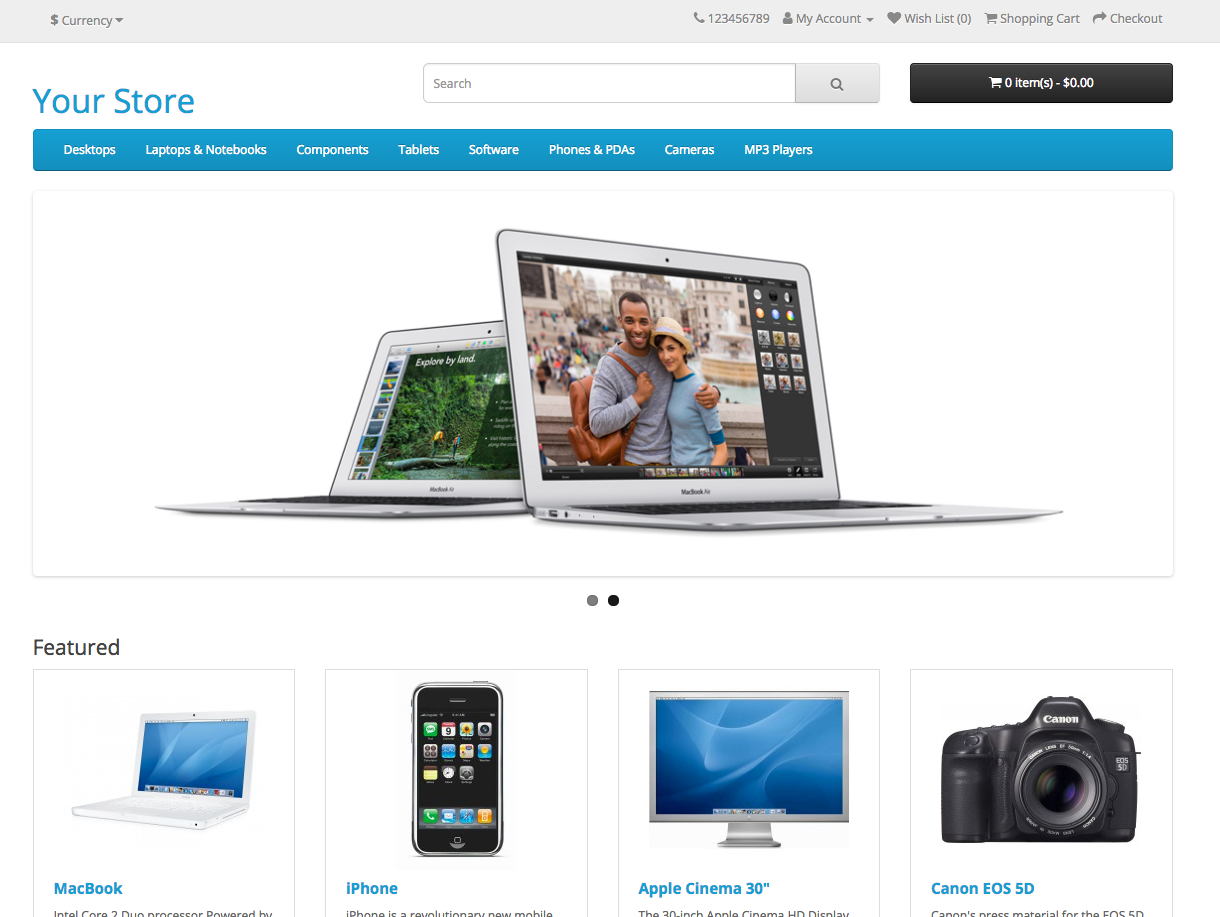
OpenCart’s demo platform replicates enterprise-level e-commerce operations, perfect for advanced automation testing.
-
Best Scenarios: Product filters, user account creation.
-
Advanced Scenarios: Testing checkout flows with various payment methods.
Website: https://www.opencart.com/index.php?route=cms/demo
Pro Tip: Automate the entire user journey, from registration to order completion.
6. OrangeHRM
OrangeHRM is a Human Resource Management platform ideal for role-based access and data-heavy workflows.
-
Best Scenarios: Employee records, dynamic tables.
-
Advanced Scenarios: Role-based testing, validating user permissions.
Website: https://www.orangehrm.com/
Pro Tip: Use this platform for testing CRUD (Create, Read, Update, Delete) operations.
7. Guru99 Bank

This banking application demo is perfect for testers who want to practice domain-specific scenarios.
-
Best Scenarios: Login, fund transfers, transaction history validation.
-
Advanced Scenarios: Handling session timeouts, multi-step processes.
Website: https://demo.guru99.com/V4
Pro Tip: Combine this with data-driven testing techniques for better insights.
8. nopCommerce Demo
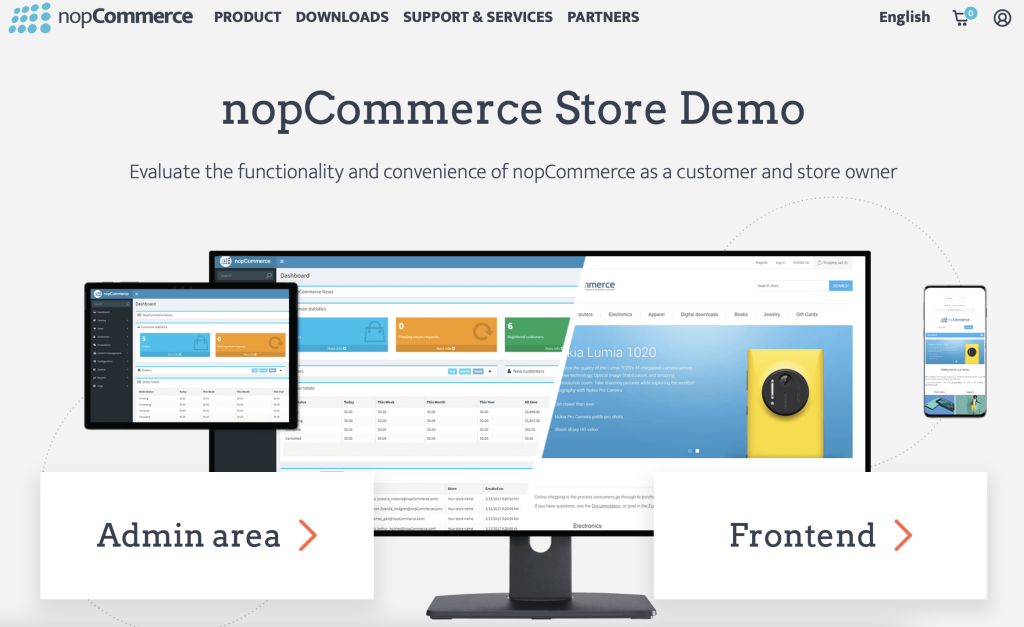
This site offers a comprehensive demo of a large-scale e-commerce platform, replicating real-world use cases for automation.
-
Best Scenarios: Search and filter, user reviews.
-
Advanced Scenarios: Testing multilingual functionalities, API integrations.
Website: https://demo.nopcommerce.com/
Pro Tip: Use browser emulators to test mobile-responsive behaviors.
9. PHP Travels

A travel booking system designed for testers to practice complex workflows, including multi-step forms and date selection.
-
Best Scenarios: Booking workflows, user dashboard.
-
Advanced Scenarios: Validating booking details, automating multi-date selection.
Website: https://phptravels.com/demo
Pro Tip: Focus on handling AJAX-based dropdowns and filters.
10. Parabank Demo
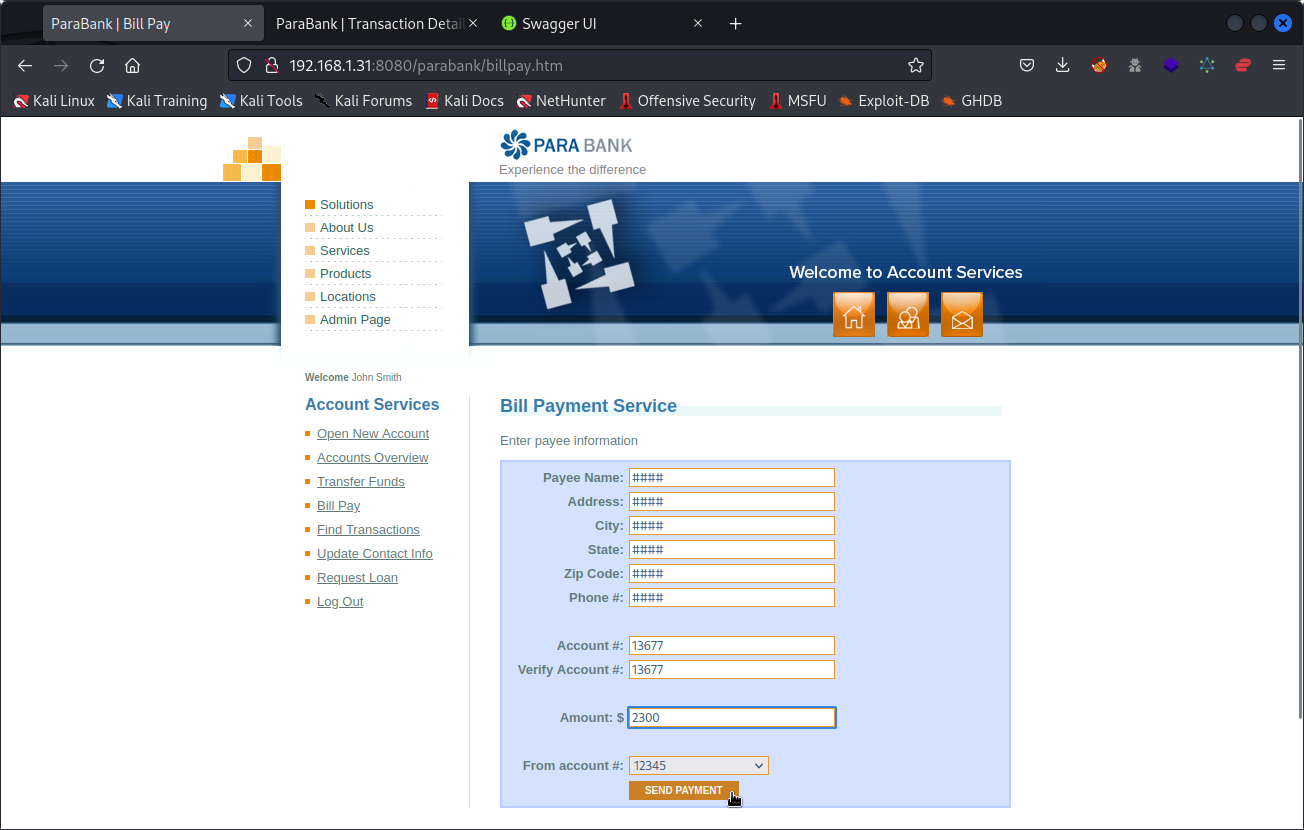
This banking simulation site is excellent for testing fund transfers, account summaries, and user roles.
-
Best Scenarios: Fund transfers, login validations.
-
Advanced Scenarios: Testing concurrent user sessions and transaction consistency.
Website: https://para.testar.org/parabank/about.html
Pro Tip: Practice cross-browser testing with this platform to identify rendering issues.
Suggested Articles
11. Automation Exercise (E-Commerce Practice Site)
An e-commerce demo platform built specifically for automation practice, offering realistic shopping workflows and user account features.
Best Scenarios: User registration, product search, add to cart.
Advanced Scenarios: Checkout flow automation, validating order history.
Website: https://automationexercise.com/
Pro Tip: Ideal for practicing Page Object Model with reusable components.
12. Demo Blaze (Online Shopping Demo)
A lightweight online shopping application suitable for beginners learning Selenium basics and browser interactions.
Best Scenarios: Login, product navigation, cart management.
Advanced Scenarios: Handling alerts, validating dynamic product loading.
Website: https://www.demoblaze.com/
Pro Tip: Use explicit waits to handle delayed modal dialogs.
13. GlobalSQA AngularJS Demo
A collection of AngularJS-based demo pages created for automation testers to practice modern web application testing.
Best Scenarios: Dropdowns, sliders, date pickers.
Advanced Scenarios: Handling Angular-driven dynamic DOM updates.
Website: https://www.globalsqa.com/angularJs-protractor/
Pro Tip: Use WebDriverWait instead of Thread.sleep for Angular elements.
14. WebDriver University
A Selenium practice website offering individual pages for specific automation challenges, from alerts to iframe handling.
Best Scenarios: Button clicks, alerts, mouse actions.
Advanced Scenarios: Iframes, hidden elements, scrolling automation.
Website: https://webdriveruniversity.com/
Pro Tip: Excellent for isolating and mastering one Selenium concept at a time.
15. Practice Test Automation (UI Testing Playground)
A modern UI automation playground focused on common web controls and edge-case scenarios.
Best Scenarios: Forms, radio buttons, checkboxes.
Advanced Scenarios: Dynamic content validation, DOM traversal.
Website: https://practice.expandtesting.com/
Pro Tip: Practice CSS selectors for faster and more maintainable tests.
16. LambdaTest Playground
A hands-on automation playground designed to demonstrate Selenium features with real browser compatibility scenarios.
Best Scenarios: Form submission, button clicks.
Advanced Scenarios: Cross-browser validation logic.
Website: https://www.lambdatest.com/selenium-playground
Pro Tip: Combine with cloud execution for real browser coverage.
17. UI Test Automation Playground (Microsoft)
A purpose-built site for automation engineers to practice handling unstable and dynamically changing UI elements.
Best Scenarios: Locating tricky elements, retry logic.
Advanced Scenarios: Handling flaky elements and dynamic IDs.
Website: https://uitestingplayground.com/
Pro Tip: Ideal for learning resilient locator strategies.
18. Magento Demo Store
A feature-rich e-commerce platform that mirrors real-world enterprise shopping systems.
Best Scenarios: Product filtering, cart updates.
Advanced Scenarios: Checkout automation, pagination handling.
Website: https://magento.softwaretestingboard.com/
Pro Tip: Great for end-to-end test suite design and data-driven testing.
Comparison Table — Demo Sites at a Glance
| Website / Resource | Best For | Complexity | Example Tasks |
|---|---|---|---|
| ToolsQA Demo Site | UI components & widgets | Beginner → Intermediate | Alerts, dropdowns, drag-drop |
| The Internet (Heroku) | Diverse edge cases | Intermediate | Frames, dynamic content |
| SauceDemo | E-commerce flows | Intermediate → Advanced | Login → Add to cart → Checkout |
| Selenium Practice Form | Form elements | Beginner | Text fields, checkboxes |
| Ultimate QA | Dynamic JS interactions | Intermediate | Async loading |
| Guru99 Upload/Download | File upload/download | Beginner | File path via sendKeys |
| React Practice Site | Modern SPA handling | Intermediate | AJAX waits, dynamic lists |
| Demo Web Shop | Retail workflows | Advanced | Search, filters, cart |
| OpenCart Demo | CMS & multi-page | Advanced | Pagination, filters |
| API Playground (Reqres) | API + UI | Intermediate | API calls + UI validation |
"These demo sites helped me automate 87% of test cases at JP Morgan's banking portal." — Rahul T., QA Lead
"These demo sites helped me automate 87% of test cases at JP Morgan's banking portal." — Rahul T., QA Lead
FAQs
What are the best websites to practice Selenium automation?
The best practice sites include ToolsQA Demo Site, SauceDemo, The Internet (HerokuApp), Ultimate QA, and retail site demos like Demo Web Shop and OpenCart. These offer a range of UI components, dynamic elements, and real workflows ideal for mastering Selenium automation.
Are these demo websites free to use?
Yes, all listed demo sites and resources are free and explicitly designed for automation practice. You can use them safely without affecting real systems or violating terms of service by over-testing.
Can I practice real-world test scenarios on these sites?
Absolutely! Sites like SauceDemo and Demo Web Shop let you automate complete user journeys (login, search, purchase), validating both functional workflows and end-to-end test automation.
Which site is best for file upload automation with Selenium?
Demo sites like Guru99 Upload/Download are excellent for practicing file uploads. These allow you to experiment with sendKeys() on-file input elements and tools like Robot or AutoIt for OS-level interactions.