



.png)


Top 15 Free Websites You Should Bookmark in 2026
Introduction

The internet is full of tools, but most of them are either too complicated, too expensive, or simply not useful.
In 2026, the real advantage comes from knowing which websites actually save time and improve your work.
Whether you're a student, freelancer, creator, or just someone who wants to be more productive, the right tools can make a huge difference.
Here are 15 free websites that are genuinely useful and worth bookmarking.
1. Notion – Your All-in-One Workspace
Notion is more than a note-taking app. It’s a complete productivity system.
You can manage tasks, create databases, track habits, write notes, and even run entire projects from one place. Many people use it as a second brain to organize their life and work.
It’s especially useful if you feel scattered or overwhelmed with multiple apps.
Website: https://www.notion.so
2. Canva – Easy Design for Everyone
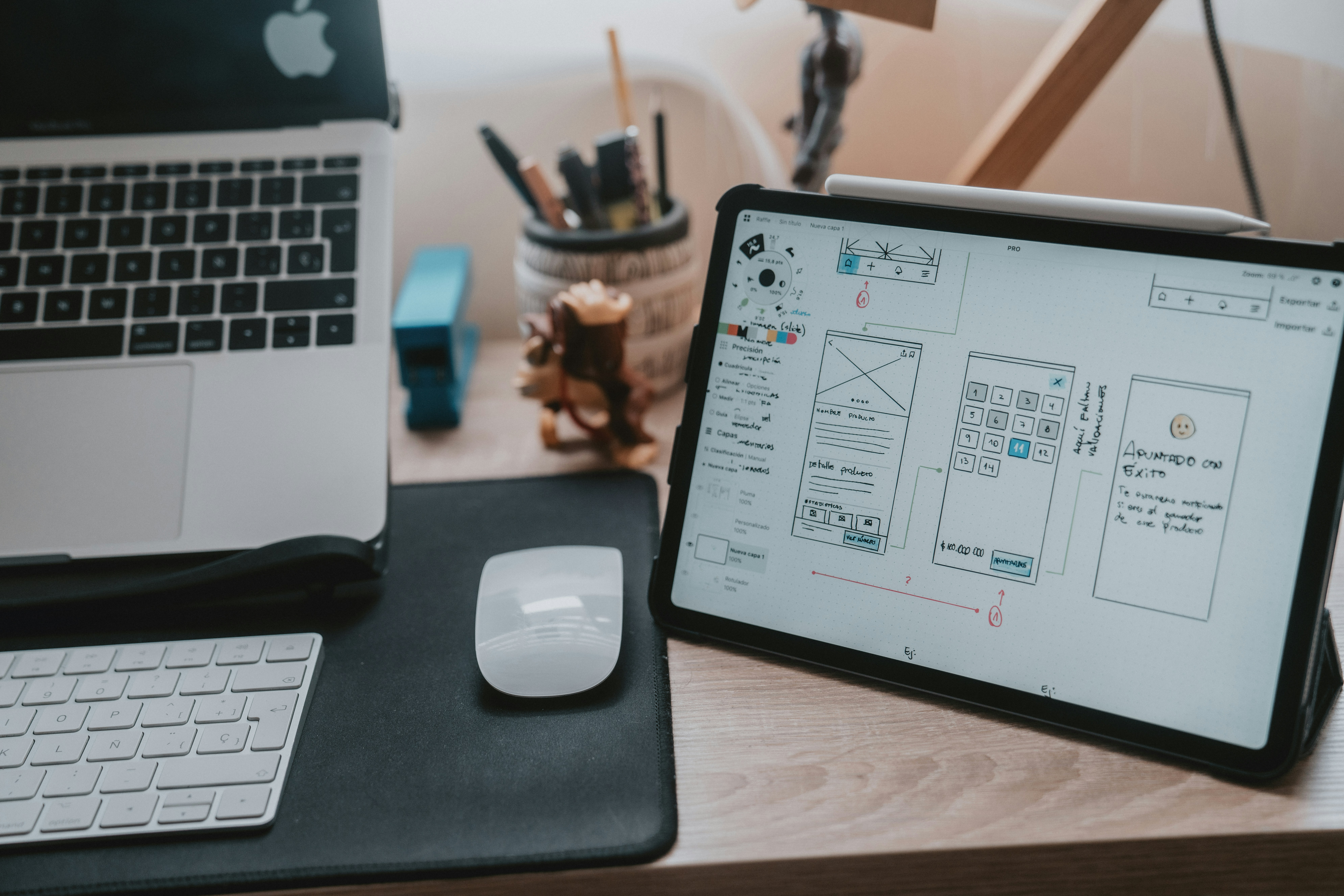
Canva makes design simple, even if you’ve never designed anything before.
It offers thousands of templates for social media, presentations, resumes, posters, and more. You can drag and drop elements, customize text, and create professional visuals in minutes.
Perfect for content creators, students, and small businesses.
Website: https://www.canva.com
3. ChatGPT – Your AI Assistant
ChatGPT can help you write, learn, brainstorm ideas, solve problems, and even code.
It acts like a personal assistant that works instantly. Whether you’re drafting emails, creating content, or learning new topics, it saves a lot of time.
The key is learning how to ask better questions.
Website: https://chat.openai.com
4. Remove.bg – Remove Backgrounds Instantly

Remove.bg does exactly one thing, but it does it extremely well.
Upload any image, and it removes the background in seconds with impressive accuracy. No editing skills required.
It’s useful for thumbnails, product images, and social media posts.
Website: https://www.remove.bg
5. Pexels – Free High-Quality Images
Pexels offers a huge library of free stock photos and videos.
All content is free to use, even commercially, which makes it perfect for blogs, YouTube videos, and websites.
You don’t have to worry about copyright issues.
Website: https://www.pexels.com
6. Unsplash – Stunning Free Photos
Unsplash is known for high-quality, artistic photography.
If you want your content to look premium, this is one of the best sources. The images often feel more natural and less “stock-like.”
Great for branding, blogs, and creative projects.
Website: https://unsplash.com
7. TinyWow – Free Everyday Tools

TinyWow is a collection of useful tools in one place.
You can edit PDFs, compress images, convert files, and perform small tasks that usually require paid software.
The best part is that it doesn’t require sign-up.
Website: https://www.tinywow.com
8. Photopea – Free Photoshop Alternative
Photopea works directly in your browser and feels very similar to Photoshop.
You can edit images, create designs, and even open PSD files without installing anything.
It’s perfect for people who want powerful editing tools without paying for expensive software.
Website: https://www.photopea.com
9. Duolingo – Learn Languages for Free

Duolingo makes language learning simple and fun.
It uses short lessons, quizzes, and streaks to keep you consistent. You can learn at your own pace, even if you only have a few minutes a day.
Great for beginners.
Website: https://www.duolingo.com
10. Coursera – Free Courses from Top Universities
Coursera offers courses from top universities and companies.
You can learn skills like programming, business, marketing, and more. Many courses are free if you choose the audit option.
It’s one of the best platforms for structured learning.
Website: https://www.coursera.org
11. Resume.io – Build Professional Resumes
Resume.io helps you create clean, professional resumes quickly.
You just pick a template, fill in your details, and download your resume.
It’s especially helpful if you’re applying for jobs and don’t want to spend hours formatting.
Website: https://resume.io
12. W3Schools – Learn Coding Easily
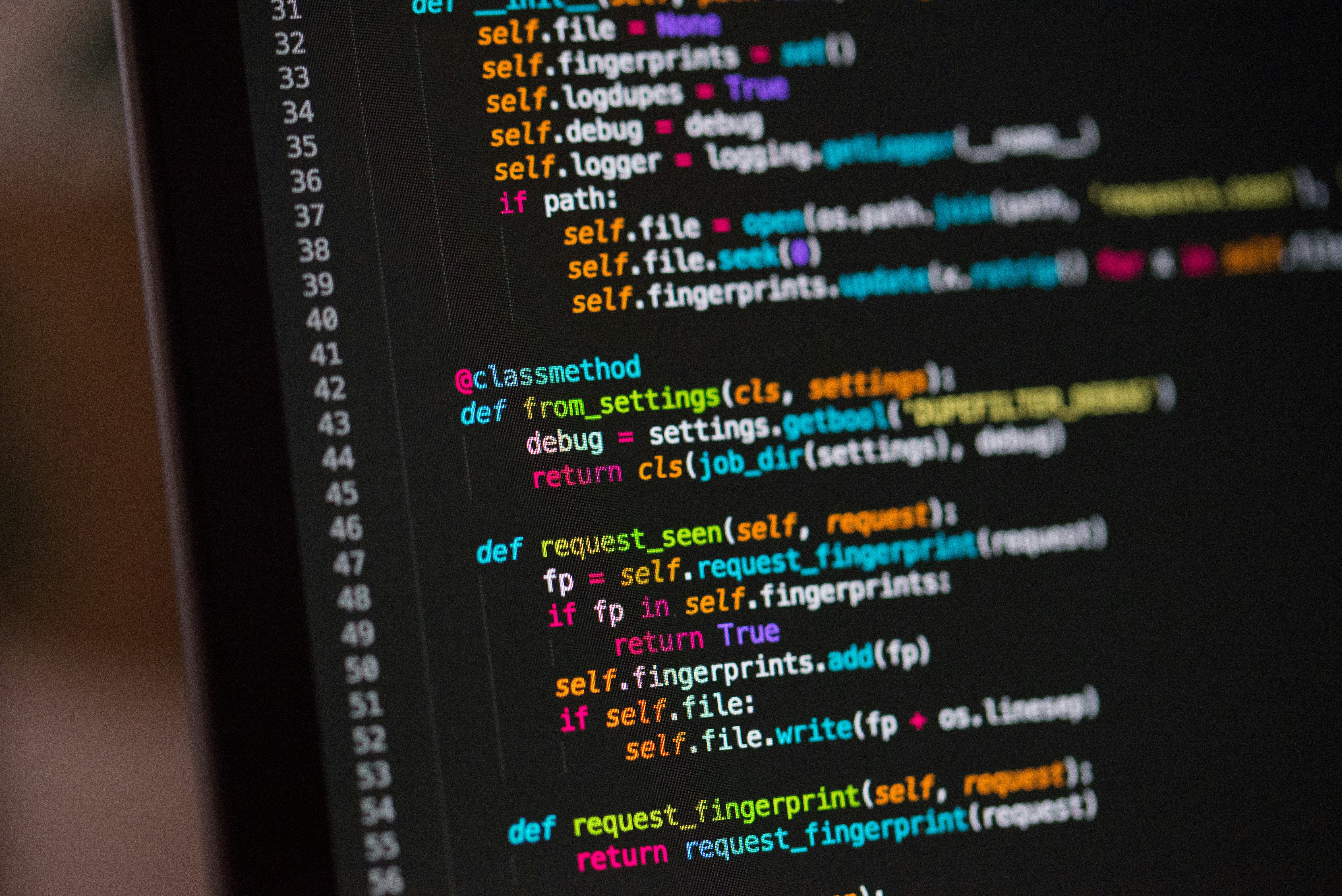
W3Schools is one of the simplest platforms for learning coding.
It explains concepts in a beginner-friendly way and lets you practice directly in your browser.
Ideal for learning HTML, CSS, JavaScript, and more.
Website: https://www.w3schools.com
13. Archive.org – Free Books, Movies & More

Archive.org is like a digital library of the internet.
You can access millions of free books, movies, websites, and historical content.
It’s a great resource for research and learning.
Website: https://archive.org
14. Grammarly – Improve Your Writing
Grammarly helps you write clearly and correctly.
It checks grammar, spelling, tone, and clarity in real time.
Whether you’re writing emails, essays, or content, it helps you sound more professional.
Website: https://www.grammarly.com
15. PDFDrive – Free Ebooks Library
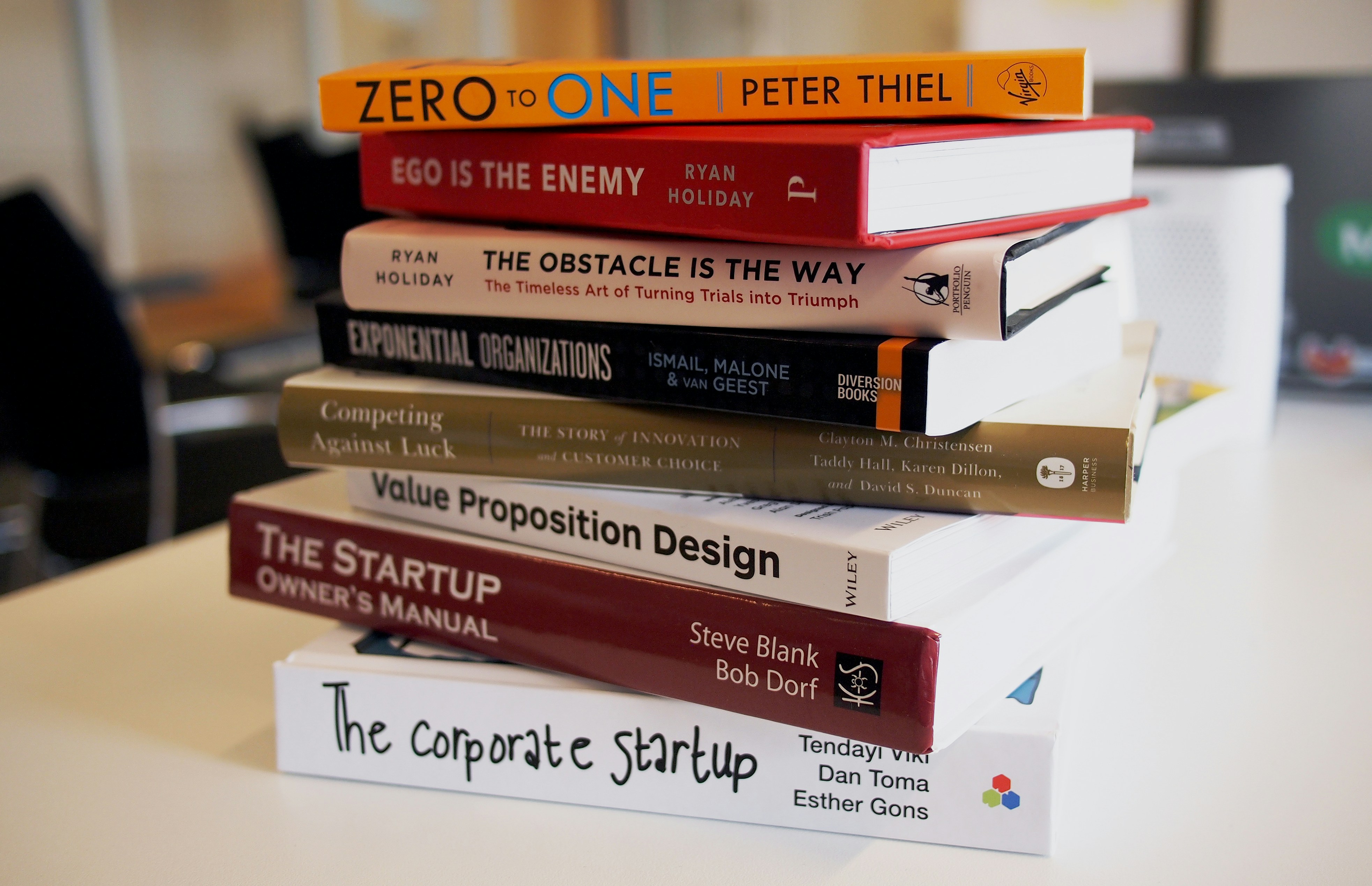
PDFDrive offers access to a large collection of free ebooks.
You can find books on self-improvement, business, education, and more.
It’s a useful resource if you want to learn without spending money.
Website: https://www.pdfdrive.com
Final Thoughts
You don’t need hundreds of tools to be productive.
Just a handful of the right websites can save hours of work, improve your skills, and help you get more done.
Start by bookmarking a few from this list and actually using them daily.
That’s where the real value comes in.